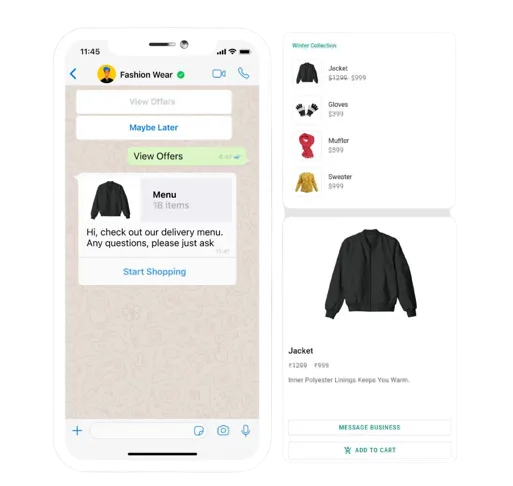





WhatsApp API For Business

Transform your business communication with our reliable WhatsApp API for business in Malaysia. Our robust WhatsApp API lets you send messages, automate customer support, and connect with customers at scale. Whether you need to trigger notifications, run marketing campaigns, or streamline operations, our API makes it easy to send and receive messages securely and compliantly.

WhatsApp button
telekom
samsung
philip
rabo bank
whatsapp blasting

Use Your Own Business Number For

WhatsApp API for Business

To send out transactional or automated messages such as order confirmations, appointment reminders, shipping updates, or customer support responses, ensuring timely and efficient communication with your customers.

What is WhatsApp API & Why Use It for Business?

The WhatsApp API is a powerful tool for businesses to integrate WhatsApp messaging into their software, CRM, website, or app. With the WhatsApp API for business, you can send automated alerts, transactional updates, appointment reminders, and marketing messages directly to your customers’ WhatsApp inbox. This enables real-time communication, boosts engagement, and enhances your customer experience.

Find Out How

WhatsApp API for Business

Can Be Useful to You

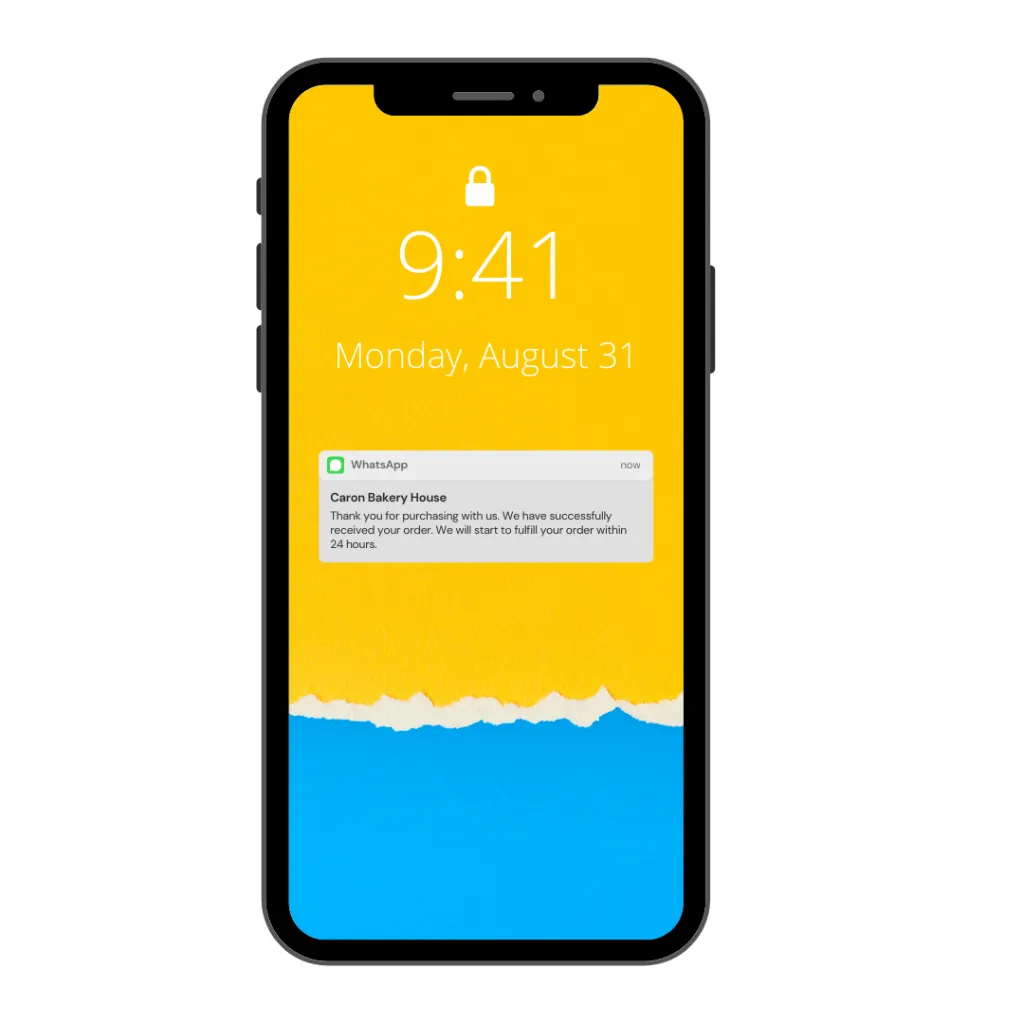
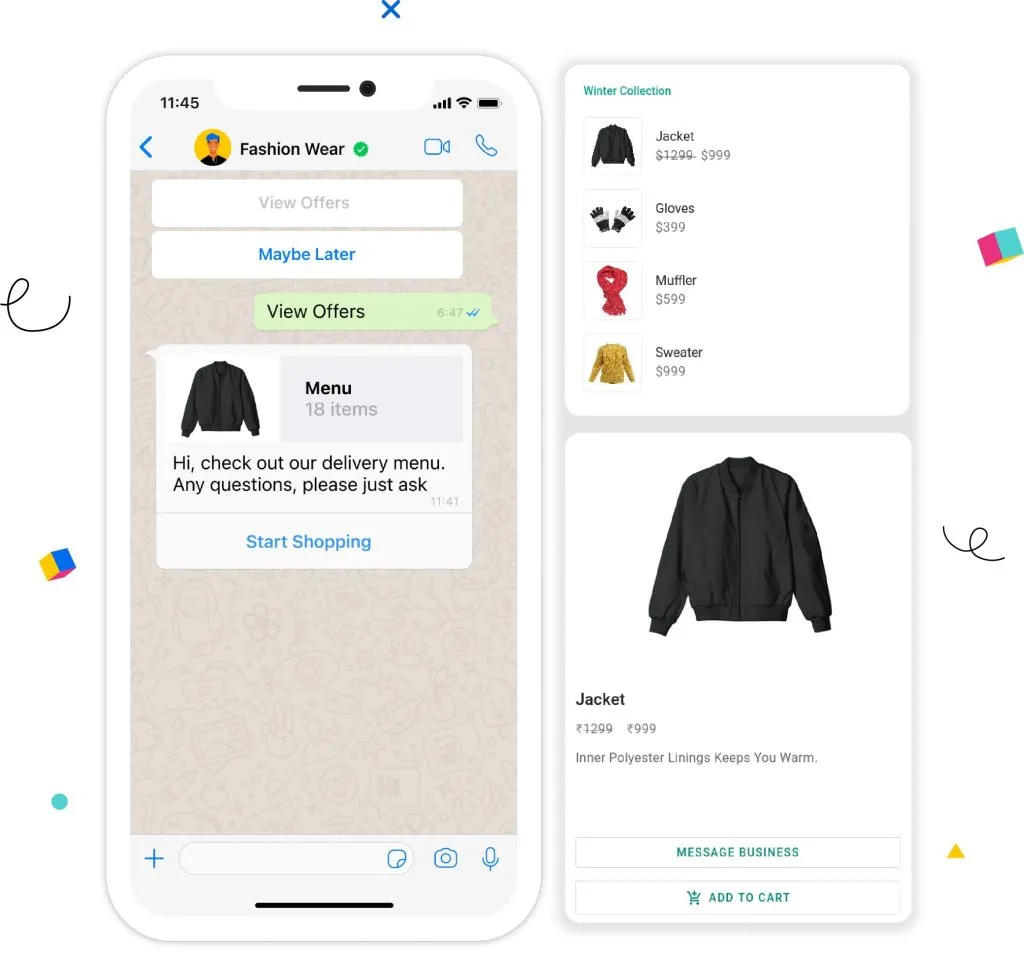
WhatsApp API for Business with Order Notification

Automated Order Notification

Integrate WhatsApp API to your ecommerce store and send out automated WhatsApp message to your customer after you have shipped out your order

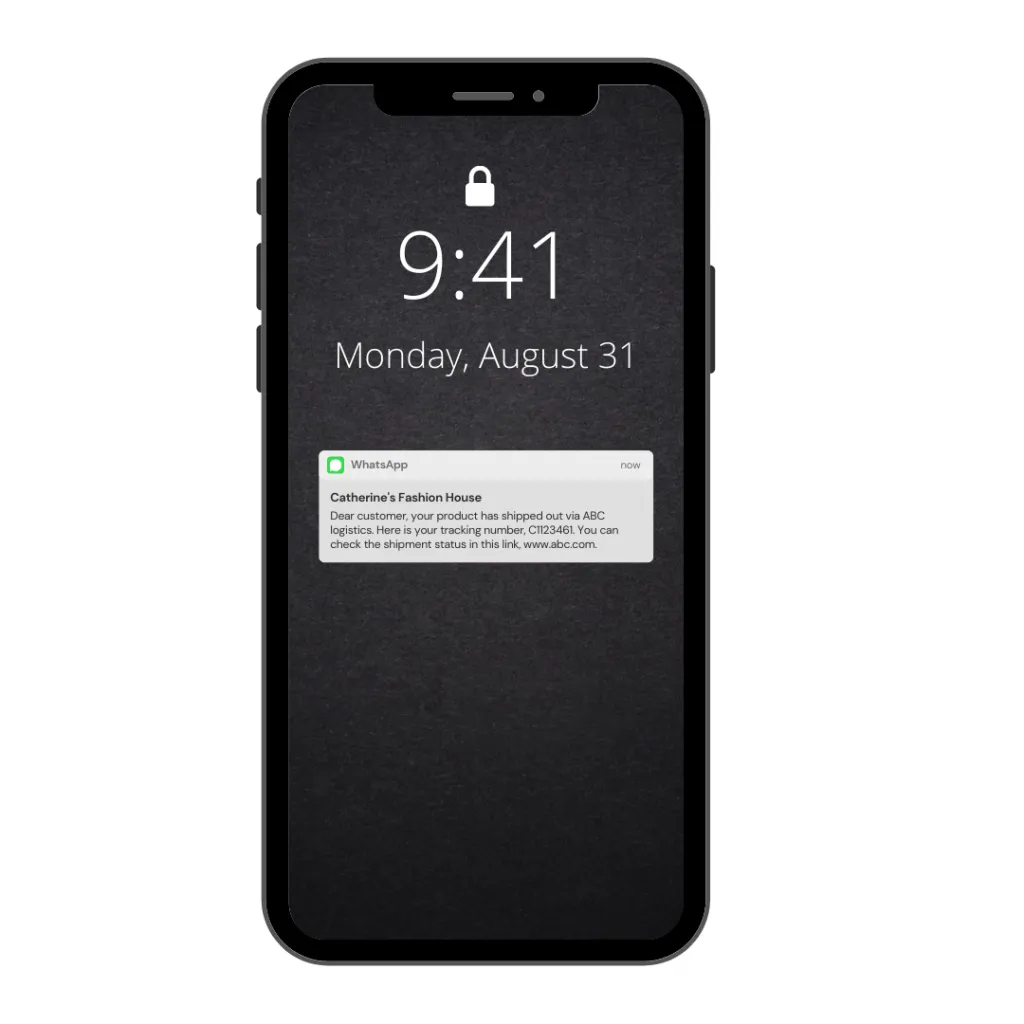
Shipping alerts

Automated Shipment Alerts

Inform customer on his product is currently in route and the details of his shipment tracking code.

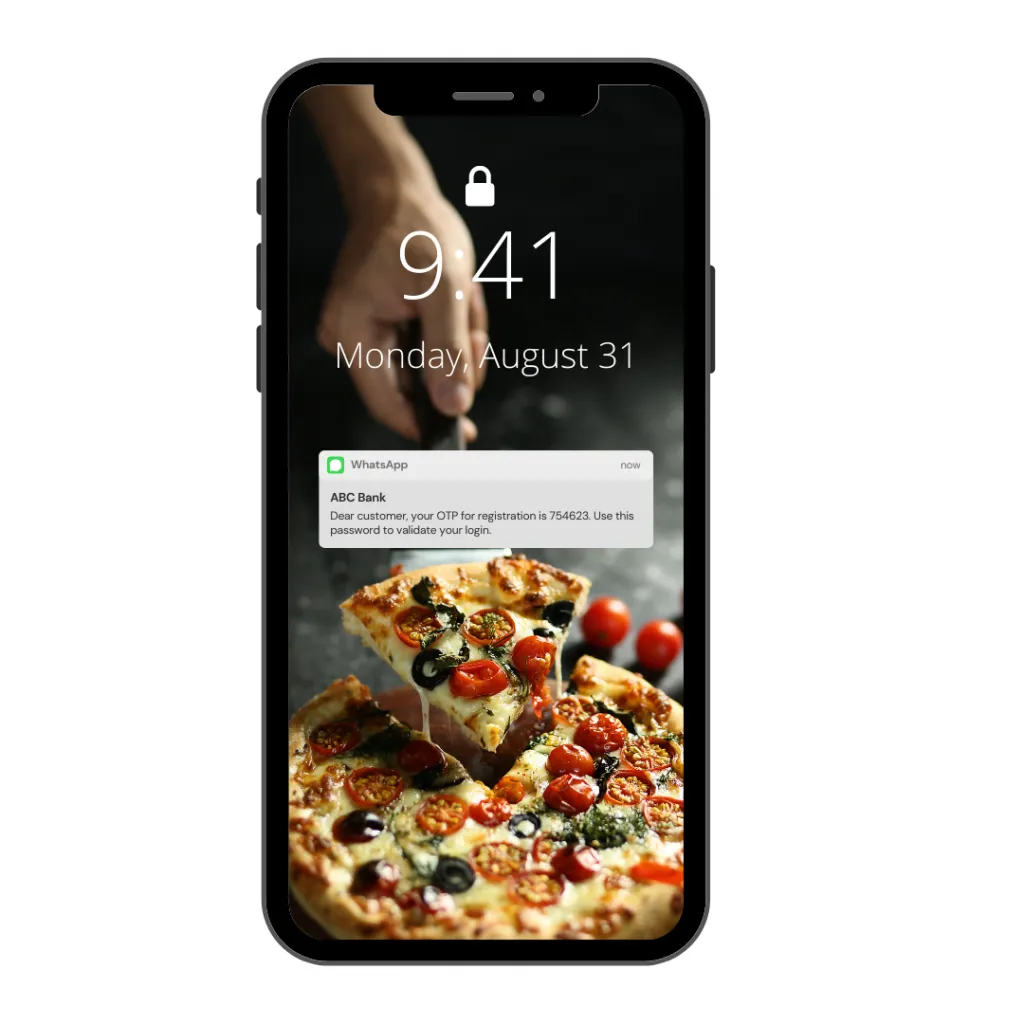
OTP code

Automated OTP Code

Sending out OTP code for your new users during the process of his account registration or account verification.

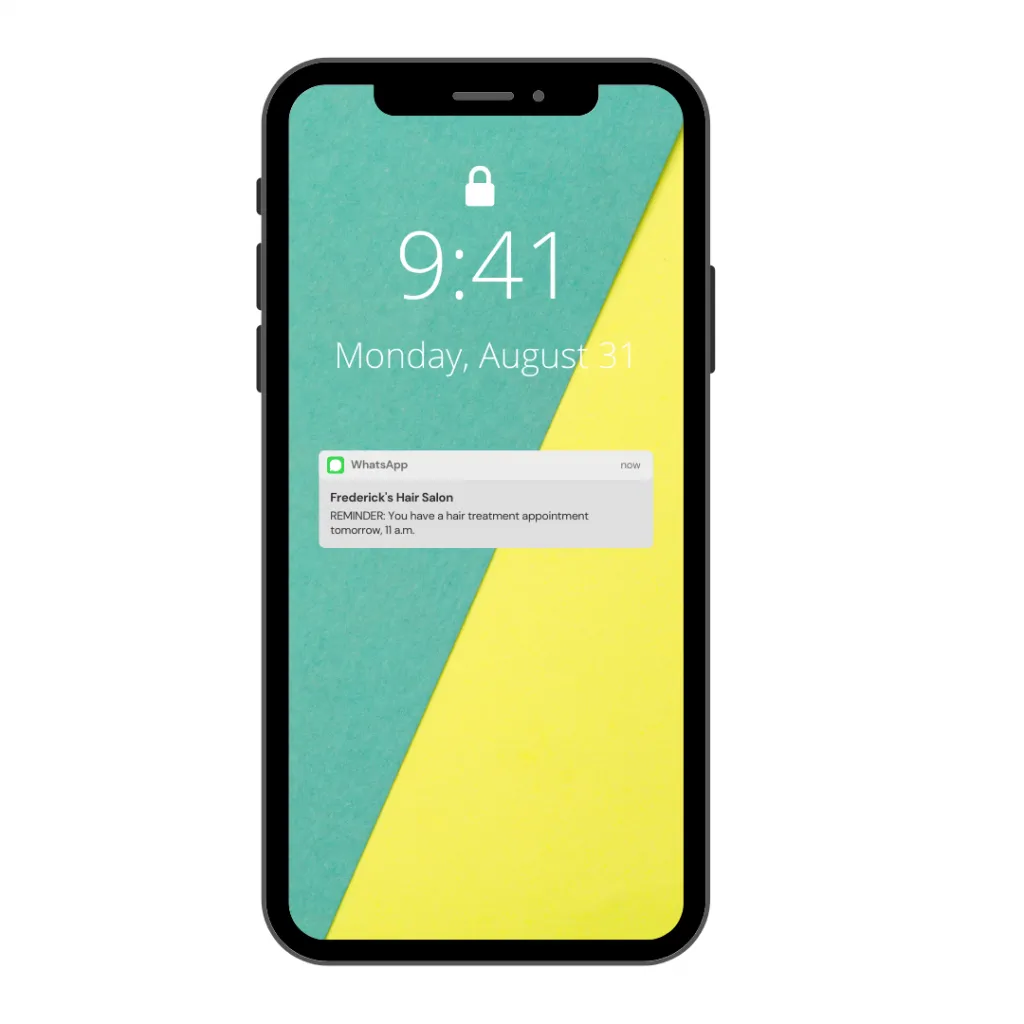
Appointment reminder

Automated Appointment Reminder

Remind your customer on his appointment which he has scheduled with you automatically with a WhatsApp message.

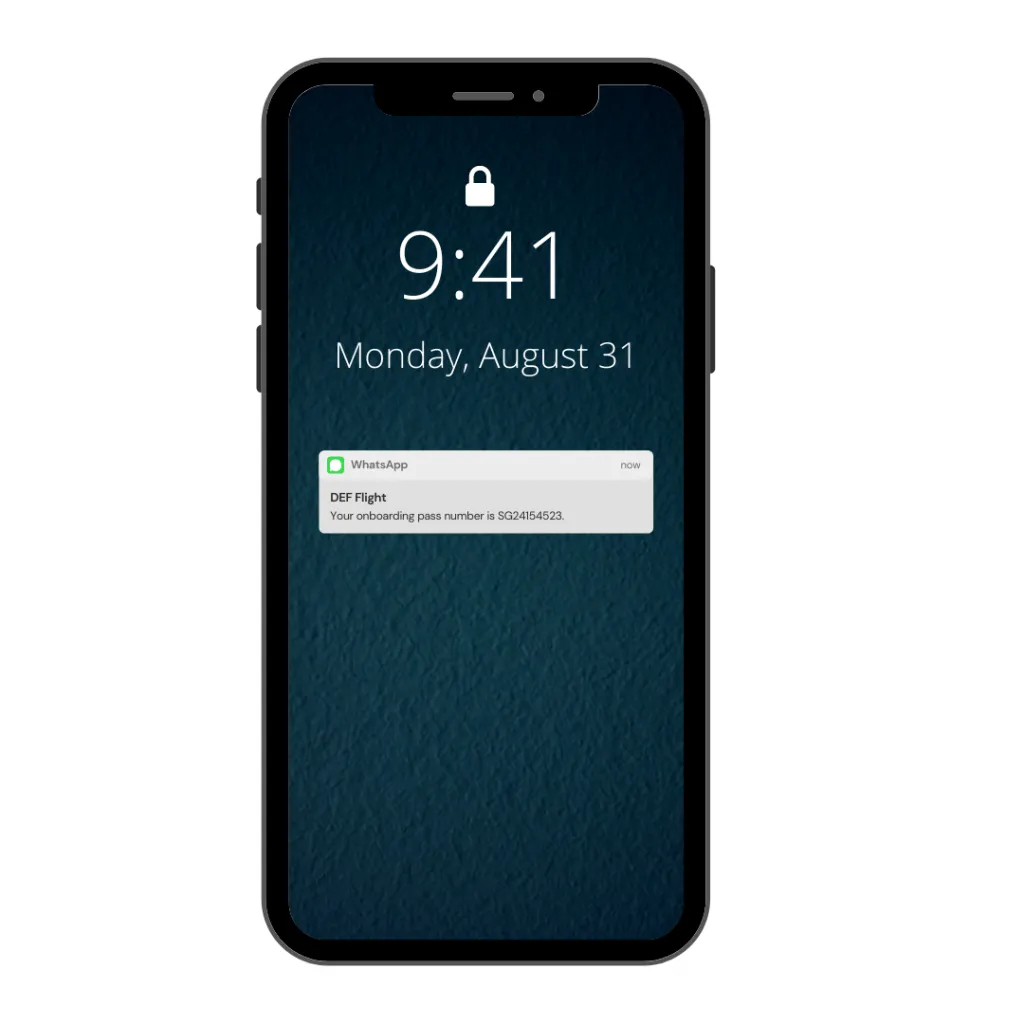
Boarding pass

Automated Boarding Pass Notification

Inform customers their boarding pass number automatically after they have completed their purchase.

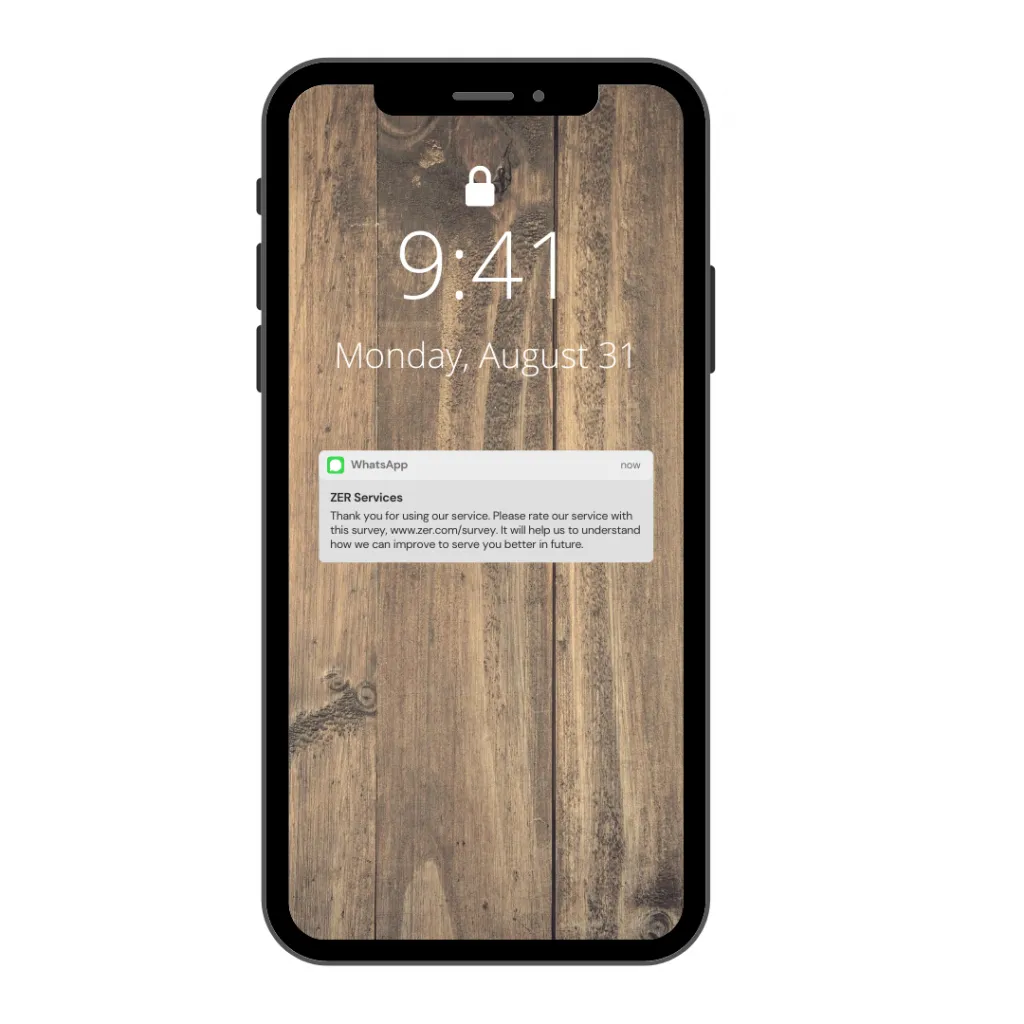
survey

Automated Survey Invitation

Invite your customer to complete a survey so that you can understand how to serve your customer better in the future.

WhatsApp chatbot - whatsapp marketing malaysia

WhatsApp Button

Now you can create your own WhatsApp button so that your customer can click on the button to increase your click-through rate (CTR).

Key Features of Our Whatsapp API Solution

  • Automated Messaging: Use the WhatsApp API to send messages instantly – whether it’s order confirmations, alerts, or bulk marketing.
  • Two-Way Messaging: Receive and respond to customer inquiries in real time.
  • Bulk Messaging Support: Send thousands of messages in a single API call.
  • Easy Integration: Comprehensive documentation and support for fast, seamless setup.
  • Compliance & Security: Fully compliant with WhatsApp’s policies and Malaysia’s data regulations.
  • Analytics & Reporting: Track delivery, open rates, and customer engagement.

How to Use Whatsapp API to Send Messages?

1. Buy

Buy WhatsApp credits from us. Once you purchase our WhatsApp credits, we will send your login credential to our portal. 

2. Integrate

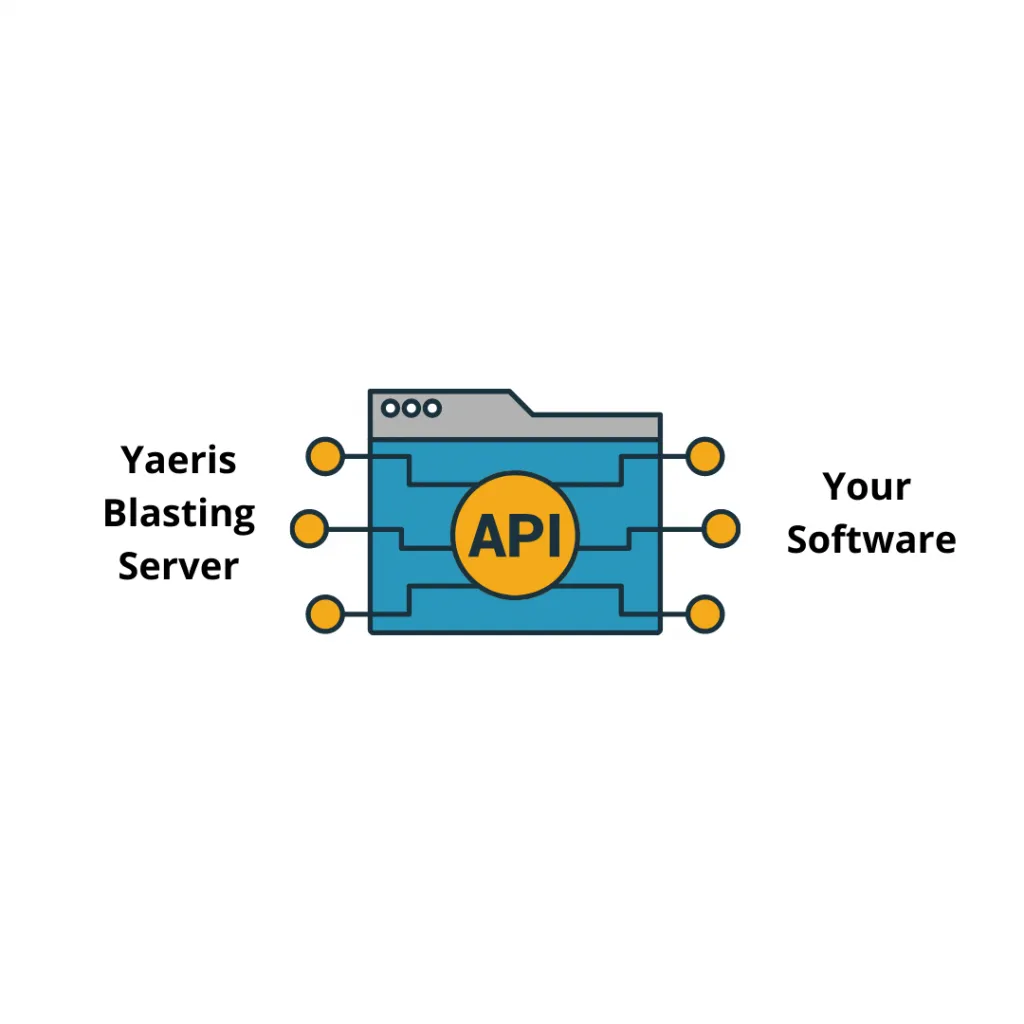
Integrate our WhatsApp API to your software. 

3. Deploy

Test & deploy our WhatsApp API. Each message your customer has used will consume 1 credit of your WhatsApp credit. Top up again once your WhatsApp credits have finished.

WhatsApp API

Try It Yourself

Automate your WhatsApp ads and messages to effortlessly reach your audience with targeted promotions, personalized offers, and real-time responses — all while saving time and maximizing campaign efficiency.

Video Demo

WhatsApp API for Business

WhatsApp marketing business

There's more way to

Advertise

Besides Facebook Ads, Google Ads, and etc, you can also use WhatsApp to deliver your promotional message to laser targeted audiences.

Having a doubt?

Frequent Asked Questions

The WhatsApp Business API (also known as the WhatsApp Business Platform) enables medium to large companies to automate and scale messaging with customers via WhatsApp. It supports automated workflows, templates, integration with CRMs/chatbots, analytics, and multi-agent access, unlike the standard Business App.

Firstly, apply from a WhatsApp Business Solution Provider (BSP). Then, get approved for your Business account and phone number. Next, use either the Cloud API (no hosting needed) or On‑premise API (self-hosted) to obtain credentials (API key, phone number ID). Finally, integrate using the provided endpoints to send messages.

WhatsApp charges per 24-hour conversation based on type and region. In Malaysia, the fee for utility (business-initiated) is charged at around US$0.014, authentication template at around US$0.018, marketing template at around US$0.086 and user-initiated (free within 24h) at around $0.022. Do take note that BSPs also charge platform/subscription fees. For detailed information, please check on official Meta website.

You send messages through API endpoints, e.g.,
POST /v13.0/{{PHONE_NUMBER_ID}}/messages with a JSON payload. Templates must be pre-approved and used for business-initiated messages. Implementation typically involves SDKs or HTTP clients.

Yes, Malaysian businesses can access the WhatsApp Business API. BSPs in Malaysia (like SleekFlow, Respond.io) facilitate onboarding and integration.

Yes — the WhatsApp Business API and Cloud API allow automated messaging, media sharing, templating, and CRM/chatbot integration for business use.

Key benefits include end-to-end encryption, automation & 24/7 support, rich media support, global reach & high engagement rates, CRM & chatbot integration and analytics & message tracking.

It stands for WhatsApp Business Application Programming Interface.

It enables send/receive messages (text, media, interactive), template-based notifications, chatbot workflows and automation, group and broadcast messaging and integration with CRMs, e‑commerce, and customer support tools

Accessing the API itself is free, but message sending incurs charges per conversation, and BSPs often charge fees for access and platform use.

You can self-host using the On-premise API. Here is guide. Firstly, host WhatsApp’s Docker containers, register phone via Facebook Developer settings, obtain credentials (tokens, phone ID) &  implement sending/receiving endpoints, but most opt to use BSPs or the Cloud API due to complexity.

Use HTTP POST requests to API endpoints (e.g., /v13.0/<PHONE_ID>/messages), with JSON payload specifying recipient, template or text/media content, and your access token. Most BSPs and SDKs abstract these details.

You can send notifications, reminders, support replies, and marketing messages directly to your customers’ Whatsapp accounts – automatically and at scale

Yes, we ensure all integrations follow Whatsapp’s guidelines and Malaysia’s PDPA requirements.

Absolutely. Our Whatsapp API supports both single and bulk message sending for campaigns, alerts, and notifications.

our clients

Testimonial

Our clients have worked very closely with us. We always strive our best to provide a great user experience for everyone. 

We're ready, are you?

What we do here is to help our customers (you) get the result you want at a tiny fraction of your business revenue.

SOCIAL SHARE

Share Good News With Your Friends

Facebook
Twitter
LinkedIn
Telegram
WhatsApp