
One MCP Server, 134 Tools Connected to Your AI
Yaeris MCP Server is a single hosted Model Context Protocol endpoint that connects Claude and other AI assistants to your real business tools, WordPress, Webflow, SEO and performance data, e-commerce, and productivity platforms, so you connect once instead of building an integration for every tool you use.
- 134 tools across WordPress, Webflow, SEO, e-commerce, and productivity apps
- Pay-as-you-go credits, no monthly subscription
- OAuth 2.1 compliant, connects to Claude in minutes



What Is Yaeris MCP Server, and How Does It Work?
What Is an MCP Server?
Without an MCP server, an AI assistant only knows what you tell it in that conversation. Every business tool you want it to actually use, your WordPress site, your WooCommerce store, your ClickUp workspace, needs its own connector before the AI can read or write real data there. Building and hosting a separate MCP server for each one is realistic for one or two tools, but it doesn't scale to the dozens of platforms a real agency or business actually runs on.
What Does Yaeris MCP Server Actually Do?
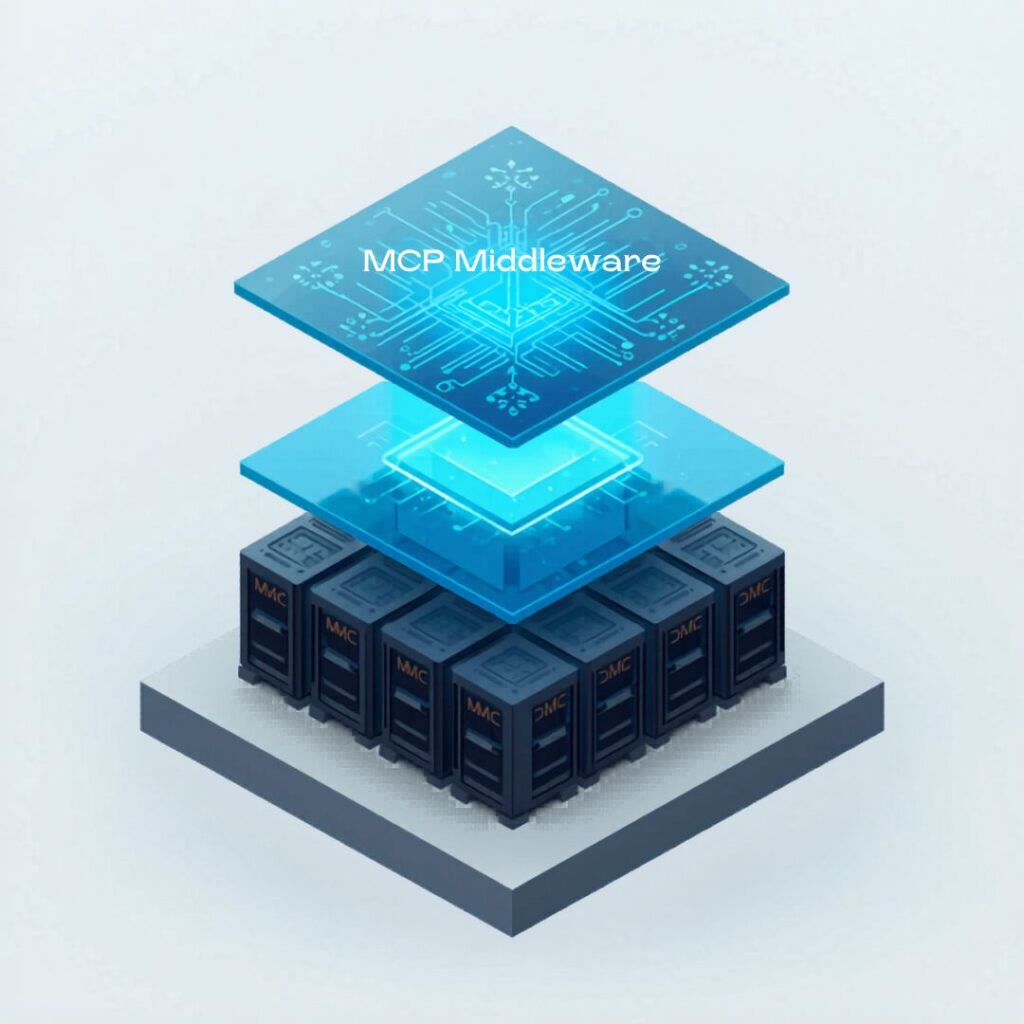
Under the hood, it's a secure, multi-tenant middleware platform: every tool call is authenticated, checked against your credit balance, and routed to the right underlying API, whether that's a call to your own connected WooCommerce store or a shared SEO data lookup billed by usage. You don't manage any of that infrastructure yourself.
What's the Difference Between a Shared Tool and a Connected Tool?
This distinction matters because it changes what you need to set up. Shared tools work the moment you have credits in your wallet. Connected tools need a one-time authorization, either a one-click OAuth login for platforms that support it, or pasting your own API credential for platforms that don't. WordPress, for example, doesn't support OAuth, so it connects with a WordPress Application Password instead of a login flow. Either way, credentials are encrypted at rest and only decrypted at the moment a call actually needs them.
Why Use One Hosted MCP Server Instead of Building Your Own?
Here's what changes once you're connecting to a hosted MCP server instead of building your own:
One connection, not twenty
Add a single MCP endpoint to Claude instead of standing up and maintaining a separate server for every tool you use.
Nothing to host or patch
Yaeris runs, monitors, and updates the underlying infrastructure, so a new API version or security patch is never your problem to track down.
Pay only for what you use
Credits are deducted per tool call from a prepaid wallet, not a flat monthly fee for capacity you might not use.
Works with Claude in minutes
OAuth 2.1 and Dynamic Client Registration support means adding the connector is a normal Claude connection flow, not a manual API key setup.
Introducing Yaeris MCP Server: Hosted AI Middleware Built for Agencies and AI-First Teams
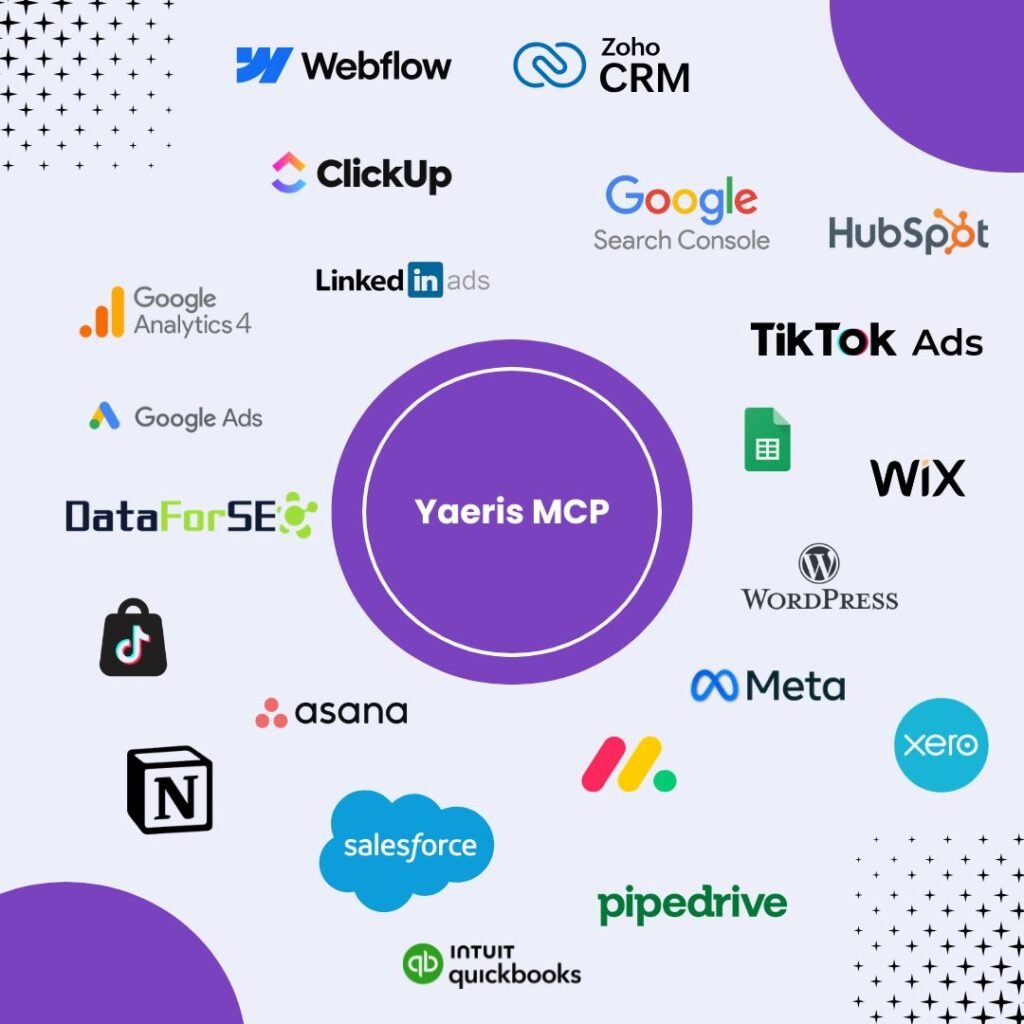
Yaeris MCP Server connects Claude and other AI assistants to the real tools agencies and businesses already run on: WordPress, Webflow, WooCommerce, ClickUp, oChats, and the SEO, performance, and automation tools they already rely on, through one hosted, multi-tenant endpoint. Every connected tool authenticates through your own account or a securely encrypted credential, and every call is billed from a simple pay-as-you-go credit wallet.
Who Is Yaeris MCP Server Built For?
Marketing agencies
Managing WordPress sites, Webflow builds, and SEO data across multiple clients who want one AI workflow instead of switching tools and tabs for every account.
Developers and AI-first teams
Building AI agents or workflows that need real access to business tools, without writing and hosting a custom MCP server for each one.
SEO and content teams
Who want keyword research, backlink data, web crawling, PageSpeed, and schema validation available directly inside an AI conversation.
E-commerce and support teams
Running a WooCommerce store and oChats conversations who want an AI assistant that can check orders, inventory, and customer messages without switching between three different tabs.
What Categories of Tools Does Yaeris MCP Server Connect?

E-Commerce & Productivity Tools
WooCommerce and ClickUp, connected so an AI agent can check inventory, look up an order, or update a task without a human relaying every change by hand.

Website & CMS Tools
WordPress content, SEO, and media management, plus Webflow site tools, for teams that need an AI assistant to actually touch the site, not just describe it.

SEO, Performance & Crawling Tools
DataForSEO's keyword, backlink, and SERP data, PageSpeed testing, schema validation, and web crawling, all queryable directly from an AI conversation.

Messaging, Memory & Automation Tools
oChats conversations, persistent memory, sandboxed browser automation, and image OCR, for agents that need to remember context and act across channels.
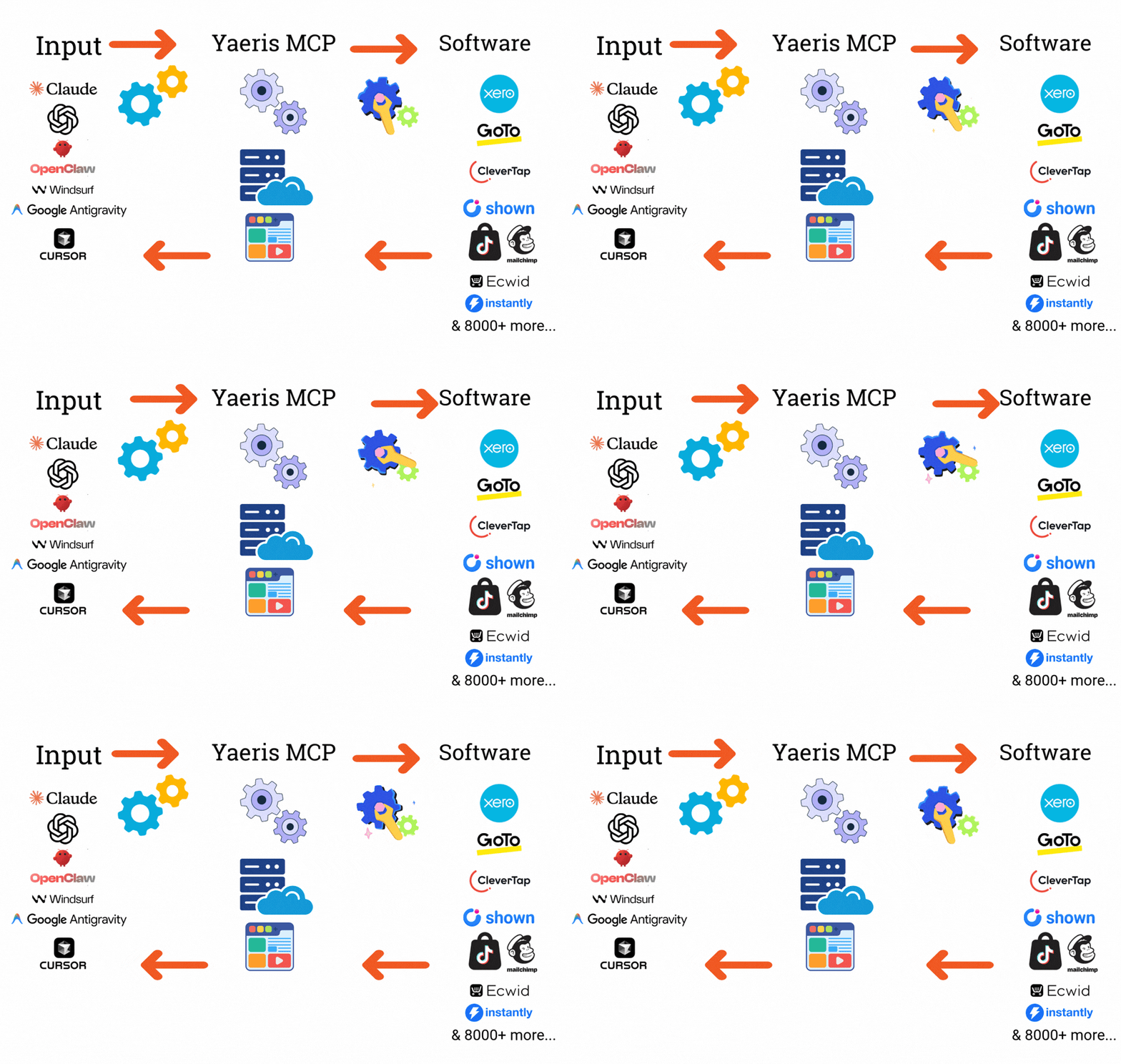
Every category includes both Yaeris-hosted tools billed per use and tools that connect directly to your own account, so you only set up the authorization a tool actually needs.
Exactly How Many Tools Does Yaeris MCP Server Have?
| Platform | Tools |
|---|---|
| DataForSEO | 33 tools |
| WordPress | 33 tools |
| oChats | 20 tools |
| WooCommerce | 11 tools |
| Webflow | 10 tools |
| ClickUp | 8 tools |
| Crawler | 7 tools |
| Memory | 4 tools |
| Browser | 4 tools |
| PageSpeed | 2 tools |
| OCR | 1 tool |
| Schema | 1 tool |
This is the real, current tool count, not a rounded marketing number, and it grows as new platforms and tools are added. Platforms with a wider spread, like WordPress and DataForSEO, cover more distinct actions per platform; single-tool categories like Schema and OCR simply do one job well.
How Does Yaeris MCP Server Work?
How Do I Connect My Own Accounts?
Platforms that support OAuth connect with a one-click login, the same flow as any other app you've ever authorized. WordPress doesn't support OAuth, so it connects with a WordPress Application Password instead, a real credential type built into WordPress for exactly this kind of API access. Either way, everything is encrypted at rest with AES-256-GCM and only decrypted at the moment a call actually needs it.
How Do I Add Yaeris MCP Server to Claude?
Getting a working connection takes three steps, no custom code required.
Create a free account
Sign up at mcp.yaeris.com, no cost and no credit card required to get started.
Connect your tools
Authorize the accounts you want Claude to access, or skip this for Yaeris-hosted tools that need no setup.
Add the endpoint to Claude
OAuth 2.1 and Dynamic Client Registration support means this is a standard Claude connector setup, not manual API key wiring.
What Do You Pay For With Yaeris MCP Server?
| Free Account | Pay-As-You-Go Credits | |
|---|---|---|
| Cost to sign up | $0 | From $10 minimum top-up |
| Connect your own tool accounts | Yes | Yes |
| Access Yaeris-hosted tools | Pay per call | Pay per call |
| Encrypted credential storage | Yes | Yes |
| Tools available | 134 | 134 |
| Monthly subscription required | No | No |
| Unused credits expire | No | No |
Every account starts free. Credits are only spent when a tool is actually called, so there's no cost for tools you connect but don't use.
How Are Your Connected Accounts and Credentials Kept Secure?
Every request to Yaeris MCP Server is rate-limited and authenticated before it reaches any underlying tool, and real-time error monitoring runs on every call so issues are caught quickly rather than discovered later. Tools that use your own connected account only ever act within the permissions that account already has, Yaeris doesn't grant itself broader access than what you authorized. It's not a substitute for reviewing what permissions you grant any connected account, but it's a meaningfully more secure foundation than pasting API keys into ad-hoc scripts or unmanaged custom integrations.
How Does This Compare to Building Your Own MCP Server?
| Yaeris MCP Server | Building Your Own | |
|---|---|---|
| Tools available on day one | 134 | Only what you build |
| Hosting and maintenance | Handled by Yaeris | Your own responsibility |
| OAuth 2.1 / Dynamic Client Registration | Built in | You implement it yourself |
| Billing model | Pay-as-you-go credits | Your own infrastructure cost |
| Time to first working tool call | Minutes | Days to weeks per integration |
A custom-built MCP server can be the right call for one deeply specific internal tool. For the broad set of website, e-commerce, and productivity platforms most businesses actually run on, connecting to an already-built, already-secured endpoint is faster and cheaper than maintaining that surface area yourself.
Frequently Asked Questions
What is Yaeris MCP Server?
It's a hosted Model Context Protocol endpoint that connects Claude and other AI assistants to 134 real business tools, WordPress, Webflow, SEO and performance data, e-commerce, and productivity platforms, through one connection instead of a separate integration per tool.
Do I need to know how to code to use it?
No. Connecting an account is either a one-click OAuth login or pasting an API key, and adding the endpoint to Claude follows the same connector setup as any other Claude integration.
Is my data safe if I connect my WordPress, WooCommerce, or ClickUp account?
Yes. Every credential is encrypted at rest with AES-256-GCM and only decrypted at the moment a call needs it, and tools only ever act within the permissions your own connected account already has.
How much does it cost?
There's no subscription. You pay per tool call from a prepaid credit wallet, 1 credit equals $0.01, and most tools cost 1 to 5 credits per call, with a $10 minimum top-up.
Can I use this with AI tools other than Claude?
Yes. Yaeris MCP Server follows the open Model Context Protocol standard and is OAuth 2.1 / Dynamic Client Registration compliant, so it works with any MCP-compatible AI client, not just Claude.
What happens if I run out of credits?
Tool calls that need credits simply won't run until you top up. Your account and any connected tools stay in place, nothing is deleted or disconnected.




Ready to Connect Your AI to 134 Real Tools?
Every extra tool you want Claude to actually use is either a new integration to build yourself or one more connection on an endpoint that already exists. Yaeris MCP Server is built so it's always the second option: free to start, pay only for what you use.